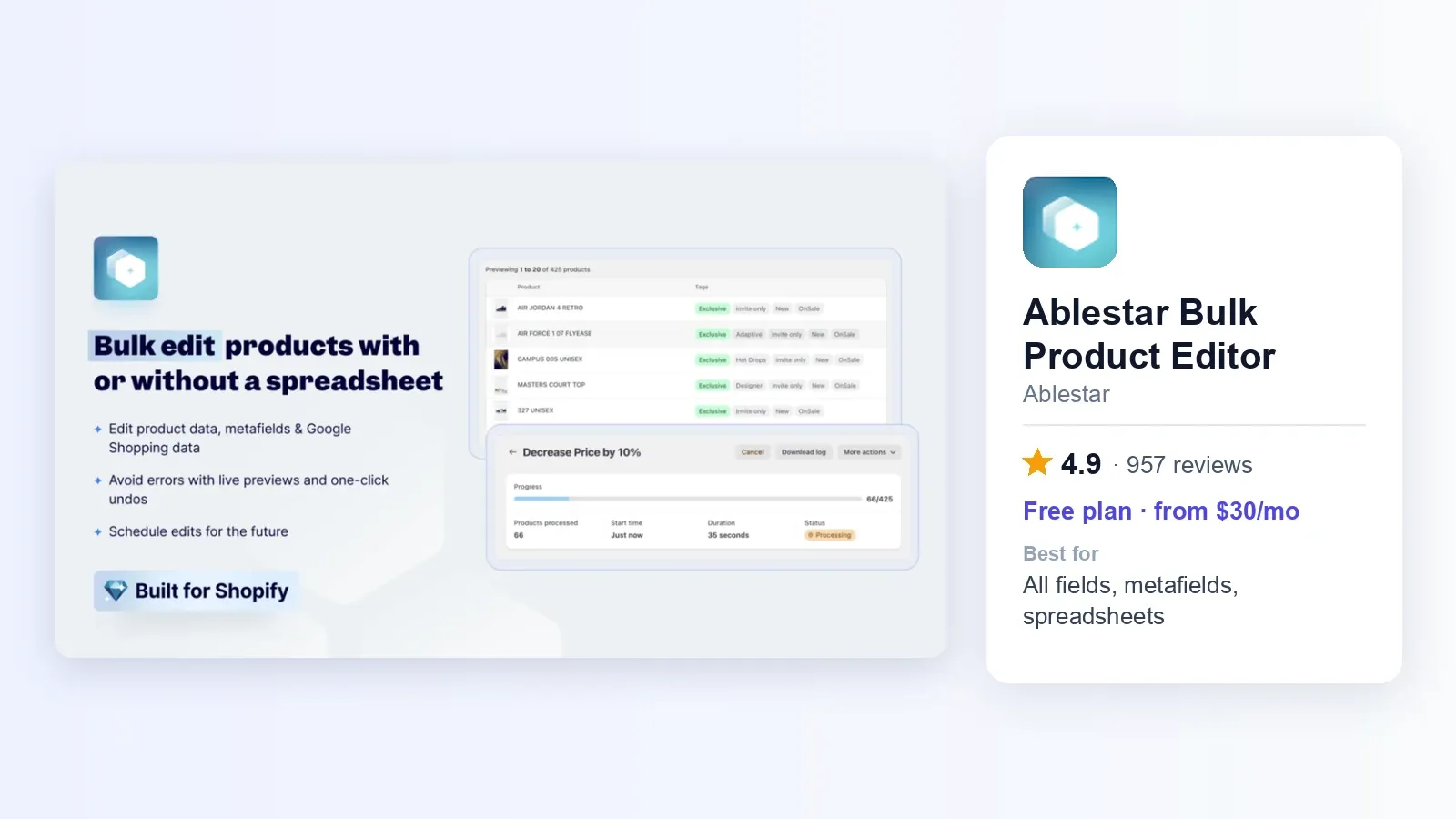
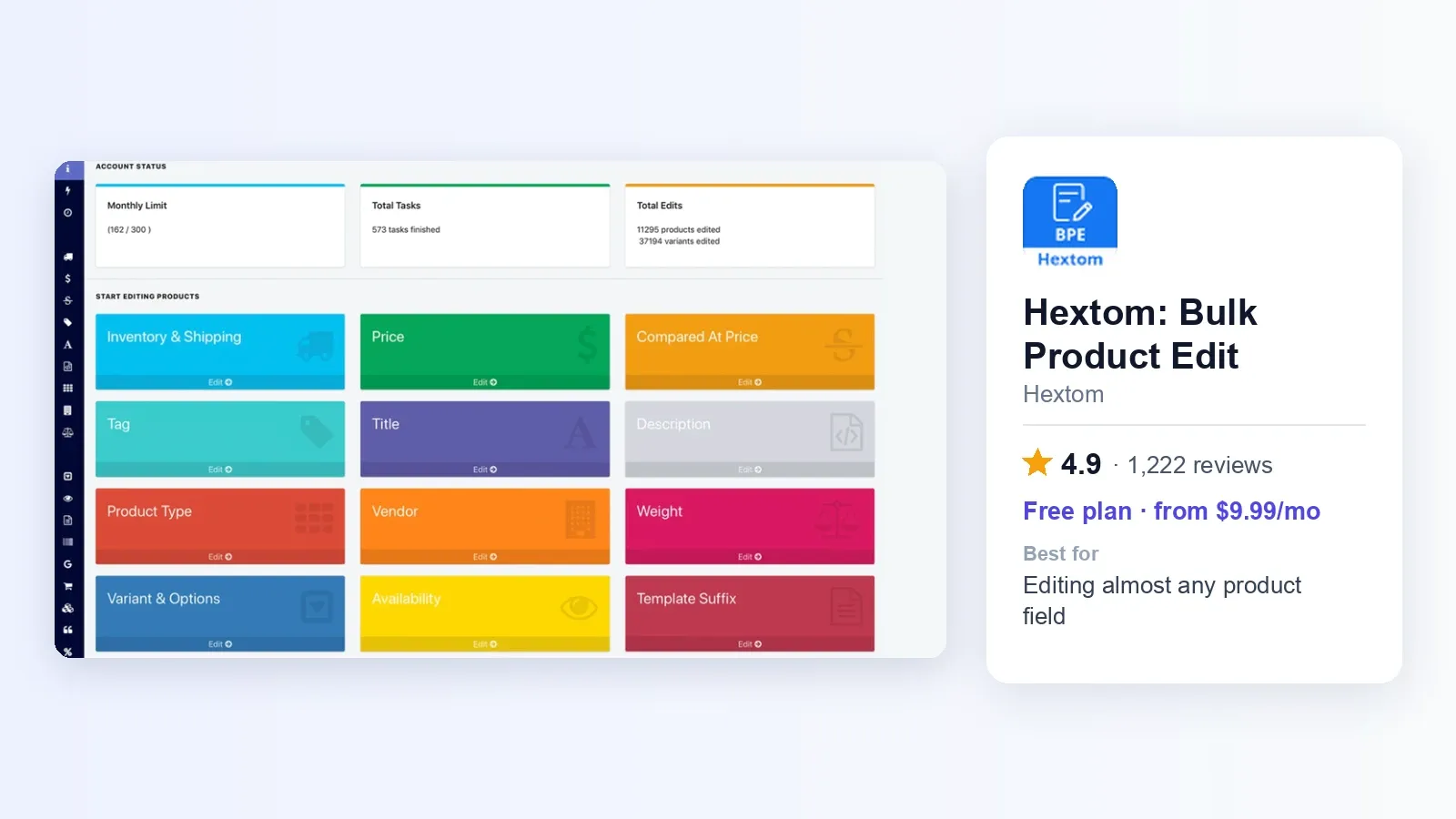
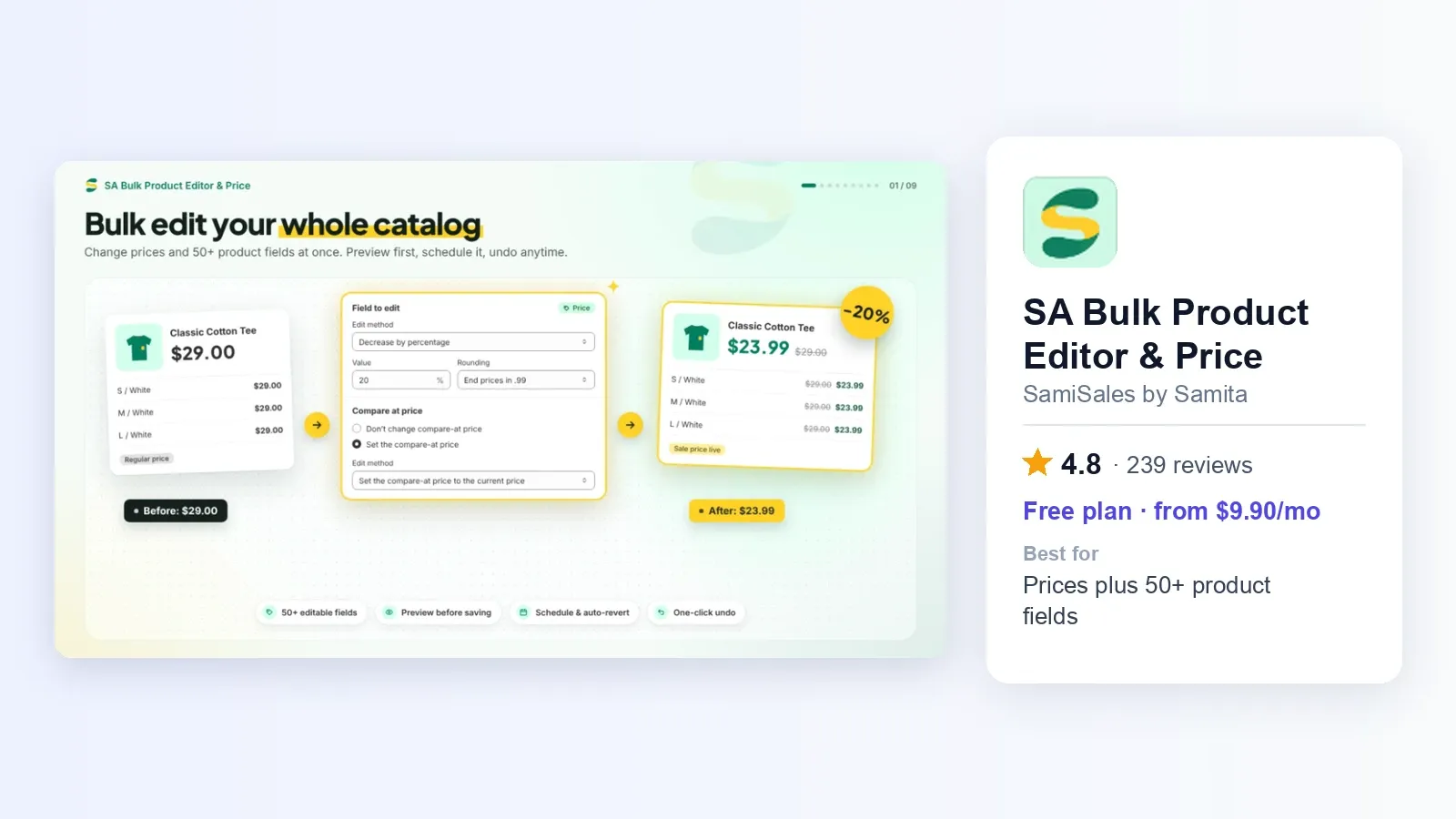
App card: Ablestar Bulk Product Editor, gallery image, rating and starting price from the Shopify App Store, Nov 2026.
Plans and pricing
Ablestar has a free Starter plan and three paid plans from $30 to $120 a month.
| Plan | Price (USD, as of Nov 2026) | Products per edit | Concurrent edits | Edit history | What it adds |
|---|
| Starter | $0 | 10 (no limits on dev stores until launch) | Not stated | Not stated | Scheduled edits, one-click undo, bulk delete, imports and exports |
| Basic | $30/mo | Unlimited | 2 | 60 days | Multi-field edits, scheduled edits (run and undo at set times), 1 inventory sync job |
| Advanced | $60/mo | Unlimited | 5 | 90 days | + 5 recurring edits, 5 scheduled exports, 5 automatic product rules (on create), 5 inventory sync jobs, 1 code snippet |
| Professional | $120/mo | Unlimited | 20 | 180 days | + 20 recurring edits, 20 scheduled exports, 20 product rules (on create or update), 10 inventory sync jobs, 5 code snippets |
Sources: Ablestar listing and Ablestar plans in the help center, Nov 27, 2026.
What this means: Basic is the plan most stores need, and its unlimited products per task is a real advantage for one huge run. You pay for automation, concurrency and history rather than catalog size. Yearly pricing isn’t stated. The listing shows no trial; Ablestar’s site says “Free Trial Available” without a length. The shopify bulk price editor pricing page puts these numbers next to eight other apps.
Price features
For price work, Ablestar covers every core feature listed on its pages.
- Set or change prices. Percentage changes and setting prices, plus compare-at price and cost editing.
- Preview. Old values shown against new ones before the edit runs.
- Scheduled sales. Scheduled edits on price and compare-at that auto-revert at the end, from Basic.
- Markets prices. The listing names Markets prices; the plan isn’t stated.
- Prices from cost. Its site guide covers setting prices from cost.
- Rounding. Endings such as .95 or .99, rounding to the nearest multiple and more, per the rounding article. See shopify round prices for how endings work in Shopify.
- One-click undo within the plan’s edit history window.
- Filters: collection, tag, vendor, type, SKU, inventory and metafield.
- Files: CSV, Excel, Google Sheets, FTP/SFTP and Dropbox imports and exports.
Beyond prices: every other field
This is where Ablestar stands out from price-only apps.
It edits tags, titles, descriptions, SEO fields, status, vendor, product type, category, collections, sales channels, variants and options, inventory, weight, SKUs, barcodes, HS codes, Google Shopping fields and metafields. On Advanced and up, automatic product rules apply edits when a product is created (or updated, on Professional). Recurring edits and scheduled exports run on their own. For a store that bulk edits more than prices every week, one app covering all of it is the main reason to pay $30 or more.
Limits and gaps
Ablestar’s limits are mostly about price, concurrency and history.
- Entry price. At $30/mo, Basic costs the most among dedicated editors’ entry plans (as of Nov 2026). Hextom starts at $9.99 and SA at $9.90.
- Small free plan. Starter edits 10 products at a time, enough to learn the app but not to run a sale on a live store.
- Concurrency. Basic runs 2 edits at once, so a busy team can queue up.
- Undo window. One-click undo depends on 60, 90 or 180 days of history. A price increase older than that can’t be reversed in one click. See undo bulk edit shopify.
- Automation costs more. Recurring edits, product rules and scheduled exports start on Advanced ($60/mo).
- Sync on install. Data has to sync before you work, per the help center.
- Not stated: blocking discount codes on sale items, and new products joining a running sale. Product rules exist, but Ablestar doesn’t describe them as adding products to a sale.
Who Ablestar suits, and who should look elsewhere
Ablestar suits mid-size and large stores whose bulk edits go well beyond prices.
Good fit:
- You edit tags, SEO, inventory, barcodes or metafields as often as prices.
- You need one very large run with no per-task cap.
- You want recurring edits or rules that run on new products.
- You move data in and out by CSV, Excel or Google Sheets.
Look elsewhere if:
- Your bulk work is prices and sales only. Price editors start at $9.95–$14.99/mo.
- You need codes blocked on sale items. NA and Platmart state this; Ablestar doesn’t.
- You need undo on changes older than 60–180 days.
- You’re on a tight budget and edit under 500 products at a time. Hextom Basic is $9.99/mo.
If Hextom is your other candidate, hextom vs ablestar compares the two all-field editors head to head.
Ablestar alternatives
Five apps cover most of Ablestar’s ground, each with a different focus (prices USD, as of Nov 2026).
Hextom: Bulk Product Edit
The closest like-for-like rival: an all-field editor with CSV/XLSX, Google Sheets and FTP import, Markets and B2B catalog prices, and backups you can revert. Demo is free (10 products per task), then $9.99, $19.99 and $49.99/mo for 500, 5,000 and 50,000 products per task. Scheduling starts on Professional. Rated 4.9 from 1,222 reviews. Full review: hextom bulk product edit.