
Logo bulkpriceeditors

Shopify Round Prices: How to Make Every Price End in .99 or .95

Shopify round prices in bulk: end prices in .99 or .95, round to whole dollars, what the bulk editor and CSV can do, and which apps round for you (2026).

Updated November 27, 2026 · by Ivan Ivanov

Some links on this page are affiliate links. Facts are checked against each app’s own listing and docs.

Quick answer

Shopify’s help pages mention no rounding tool, so with built-in tools you round in a spreadsheet and import a CSV, or type each price. A bulk price app rounds as part of the price change itself.

  • $28.89 with cents set to 99 = $28.99; set to 95 = $28.95.
  • Spreadsheet: =INT(A2)+0.99 keeps the dollars and sets the cents to .99.
  • Apps that list rounding: Ablestar, Bulk Price Edit (Pro), Bulk Price Editor Pro, Hextom, Platmart, SA.

Which app: rounding alone doesn’t separate them. Pick the app that fits the price change you’re making, and check that it lets you choose the ending you use (.99, .95 or whole dollars).

If you only fix a few dozen prices: typing them in Shopify’s bulk editor is enough.

What Shopify’s bulk editor and CSV can do

Shopify’s built-in tools save rounded prices, but they don’t round for you.

  • Bulk editor: in the Shopify bulk editor, you type each price. Its help page mentions no formulas or rounding.
  • Product CSV: export, round the Price column with a spreadsheet formula, check the results, and import with overwrite.

Common formulas, with the price in cell A2:

FormulaWhat it does$26.40 becomes$26.60 becomes
=INT(A2)+0.99Keeps the dollars, sets cents to .99$26.99$26.99
=ROUND(A2,0)-0.01Nearest whole dollar, minus a cent$25.99$26.99
=INT(A2)+0.95Keeps the dollars, sets cents to .95$26.95$26.95

Keep the original export as a backup. Source: Shopify CSV import.

The faster way: a bulk price app

In a bulk price app, rounding is a setting on the same run that changes the price, so new prices come out with the ending you want. The generic steps:

  1. Create the price change (permanent edit or timed sale).
  2. Set the change, for example +7%.
  3. Pick a rounding rule and the ending, such as .99.
  4. Choose the products.
  5. Preview the rounded prices, then run.

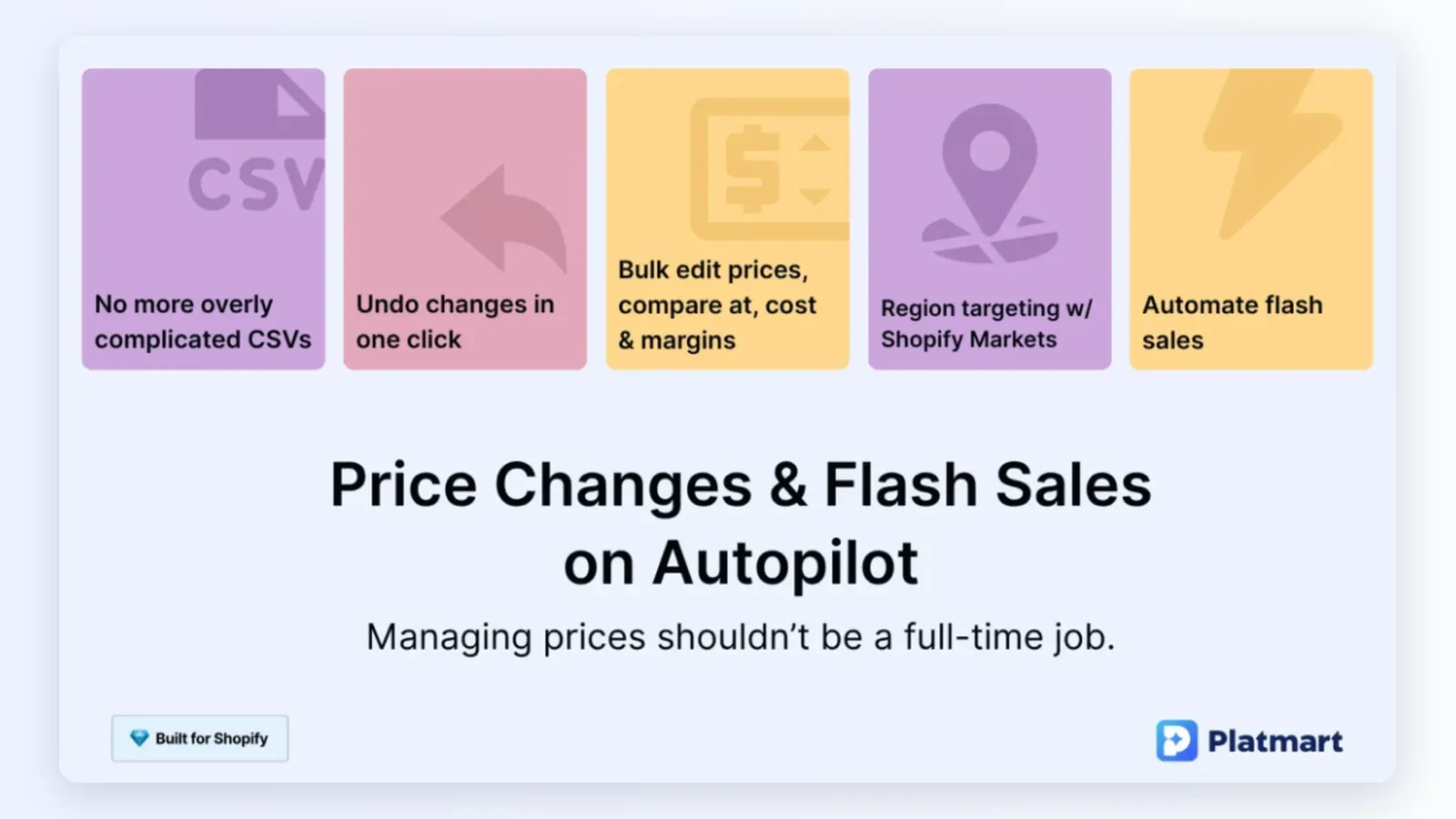
In Platmart Bulk Price Editor, for example, per its docs and help center: Create task (or Create sale) > Increase price by 7% > Override cents with 99 or 95, or Set price ending with *.99 > Apply to > Preview changes > Start task. A completed task can be rolled back if the endings come out wrong.
V3 platmart ui overview

Platmart Bulk Price Editor overview, from its Shopify App Store gallery, Nov 2026

Ablestar’s help center lists rounding to decimals such as .95/.99 or the nearest multiple, Hextom rounds to .99, SA lists rounding rules, Bulk Price Editor Pro lists round-off options, and Bulk Price Edit has advanced rounding on its Pro plan ($19/mo, as of Nov 2026). The two all-field editors are compared in Hextom vs Ablestar.

Rounding options compared

What each app says about rounding, from its listing or docs (Nov 27, 2026):

AppRounding statedPreview stated
Ablestar Bulk Product EditorDecimals such as .95/.99, nearest multiple, moreYes
Bulk Price Edit"Advanced Rounding Rules" (Pro plan)Not stated
Bulk Price Editor Pro"Round-off options"Not stated
Hextom: Bulk Product EditRound to .99Matches only
Platmart Bulk Price EditorWhole number, "Override cents" (00–99), "Set price ending"Yes
SA Bulk Product Editor & Price"Smart rounding rules"Yes

What this means: most apps round; the difference is how precisely you can set the ending and whether you see the rounded result before it runs.

Platmart’s rounding modes, as a worked example

Platmart’s help center lists four modes and two options, which shows the kind of control to look for in any app.

ModeWhat it doesExample
No roundingKeeps the calculated price$28.89 stays $28.89
Round to whole numberRounds to a whole-dollar price—
Override centsReplaces the cents with the ending you pick, 00 to 99$28.89 → $28.99 (99) or $28.95 (95)
Set price endingApplies a pattern such as *.99 (added May 17, 2026)$28.89 → $28.99

The options are To nearest value and Add second ending. “To nearest value” aims for the closest price with your ending rather than only swapping the cents; check the exact result in Preview changes, which stays valid for 30 minutes.

.99 vs .95 endings

Pick the ending your store already uses, and make sure your tool accepts it.

The arithmetic matters most after a percent change. A 7% increase on $27.00 is $28.89, a 12% increase on $120.00 is $134.40, and neither looks like a shelf price until it’s rounded. For the increase itself, see how to raise prices on Shopify; for cost-based prices such as $16.67, see Shopify markup.

Rounding in sales

Sales can round too, but check two things: which direction sale prices round, and whether rounding can change once the sale starts.

According to Platmart’s support team, its rounded sale prices round down, so the discount doesn’t shrink. Its docs say rounding is locked once a sale starts; to change it, disable the sale (prices restore), duplicate it and start the copy. More in the Shopify sale guide.

Tools that can do this

AppGood at for this jobEntry price (as of Nov 2026)Link
Ablestar Bulk Product Editor.95/.99 and nearest-multiple rounding, preview, undoStarter free (10 products/edit); Basic $30/moApp Store
Bulk Price Editor ProRound-off with markup/markdown; low annual priceBasic $20/yr (limited-time pricing)App Store
Hextom: Bulk Product EditRound to .99 with backups and revertDemo free (10 products/task); Basic $9.99/moApp Store
Platmart Bulk Price EditorAny ending 00–99 or a *.99 pattern, preview, rollbackFree (1 task + 2 sales/mo, 100 products); Basic $14.99/moTry free
SA Bulk Product Editor & PriceRounding rules with preview and undoFree (100 products/task); Basic $9.90/moApp Store

All price editors compared: Shopify bulk price editor.

FAQ

  • Can Shopify round prices automatically?

    Not with its built-in tools: Shopify’s bulk editor and CSV help pages mention no rounding. You round in a spreadsheet before importing, or use an app that rounds in the same run as the price change, such as Ablestar, Hextom or SA.

  • How do I make all prices end in .99 on Shopify?

    Export a product CSV, apply a formula such as =INT(A2)+0.99 to the Price column, and import with overwrite. In an app, add a .99 rounding rule to the price change, apply it to the whole store, preview and run.

  • How do I use .95 endings instead of .99?

    Use the same method with a different ending. In a spreadsheet, =INT(A2)+0.95 turns $26.40 into $26.95. In an app, check that you can choose the ending: Ablestar’s help center, for example, lists .95 as well as .99.

  • Can I round existing prices without changing them?

    Yes, with a CSV formula that only rounds. In an app, check whether rounding runs without a price change, and preview the result before you start. Keep a CSV export or an app undo in case the endings come out wrong.

  • Can I round prices to whole dollars?

    Yes. A spreadsheet’s ROUND function does it before a CSV import, Platmart has a “Round to whole number” mode, and Ablestar lists rounding to the nearest multiple (try Platmart free).

  • Does rounding work in sales?

    In apps that round sales, yes. Check the direction: rounding down keeps the discount from shrinking. Some apps lock rounding once a sale starts, so set it before the start.

Top pick for price-only jobs: Platmart Bulk Price Editor · free planTry Free

Ask AI about this page

II

Ivan Ivanov

Shopify pricing writer

I compare Shopify pricing apps using their own App Store listings, docs and changelogs. Every price and limit on this site carries the date it was checked.

Popup manager v2

Changing thousands of Shopify prices?

Our top pick for price-only jobs is Platmart Bulk Price Editor: scheduled sales that restore prices, compare-at strikethrough and rollback.

Free plan · paid from $14.99/mo (Nov 2026).

See all apps compared