Updated November 27, 2026 · by Ivan Ivanov
Some links on this page are affiliate links. Facts are checked against each app’s own listing and docs.
Quick answer
Shopify B2B catalog prices are either a percentage adjustment on your base price or fixed prices per product or variant. Bulk edit them with Shopify’s catalog CSV, or with an app that lists B2B catalog prices: Hextom, Matrixify, or NA Bulk Price Editor’s Unlimited Pro plan.
- A 20% catalog decrease on a $10 base price gives $8 (Shopify’s example).
- Fixed prices override any overall adjustment.
- The catalog CSV export includes only fixed-price products.
- Basic, Grow and Advanced: up to 3 active catalog assignments across B2B markets; no limit on Plus.
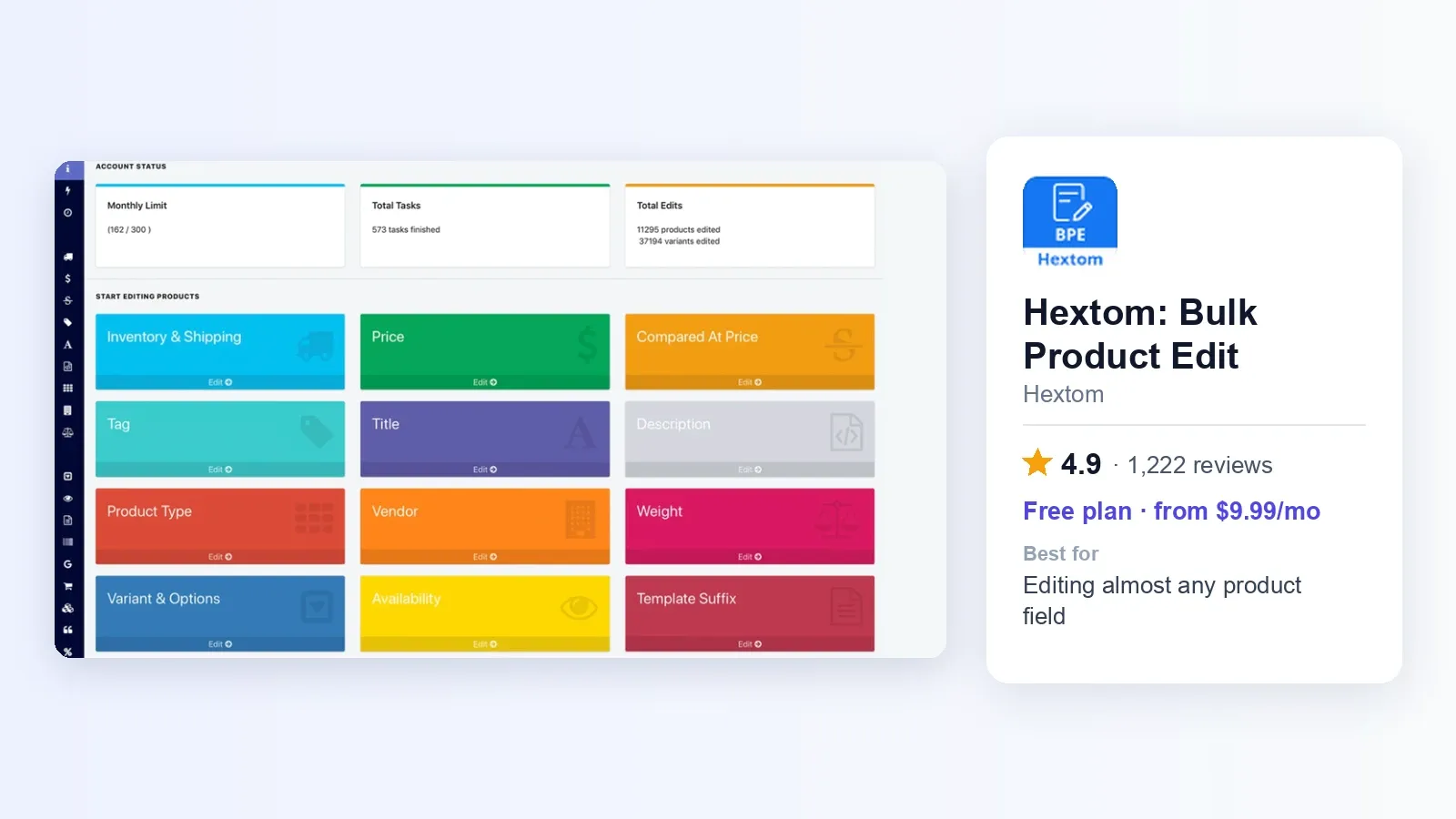
Best fit for the catalogs themselves: Hextom: Bulk Product Edit (B2B catalog prices by filters or CSV, with backups; from $9.99/mo as of Nov 2026).
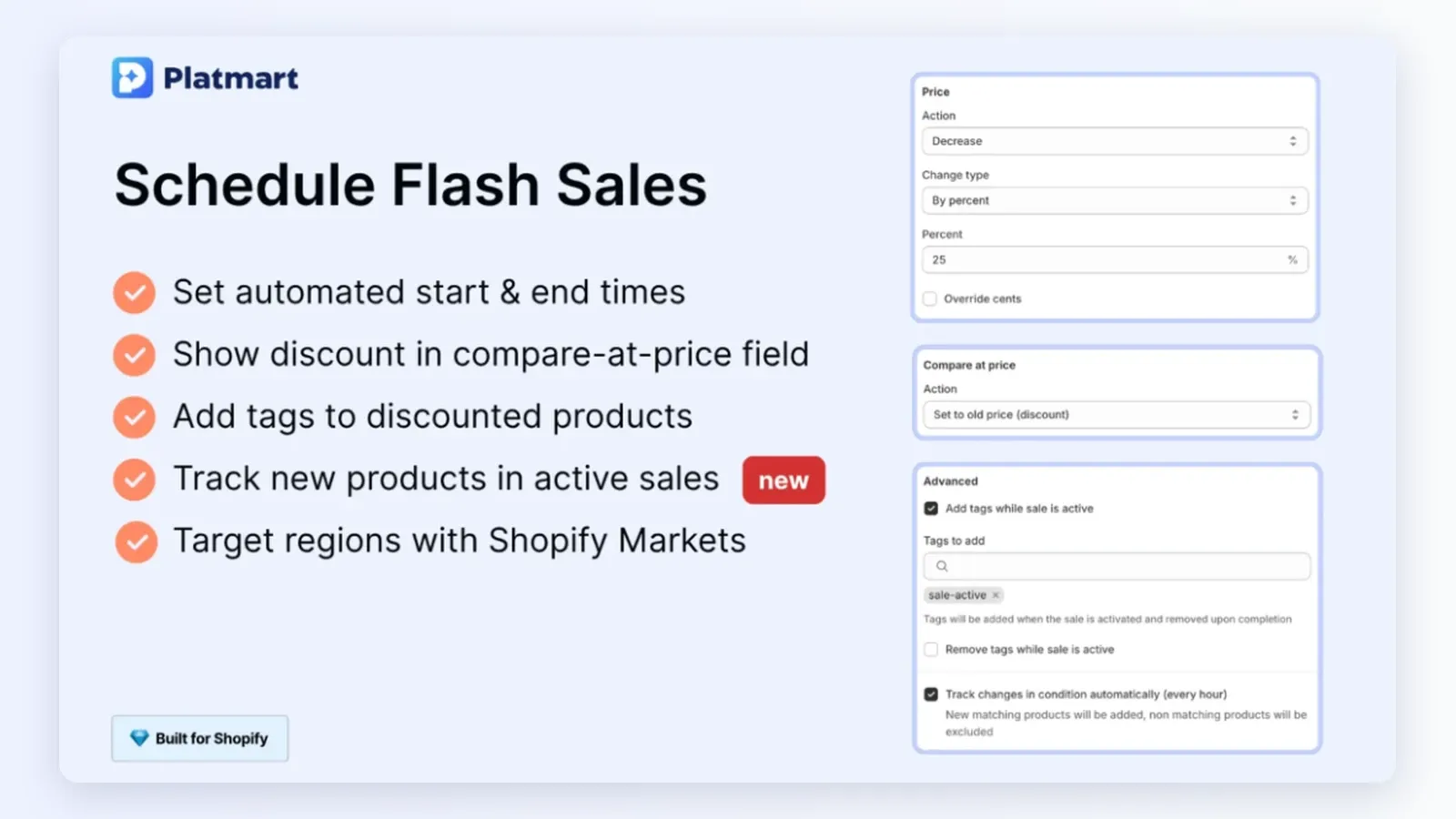
For retail sales around them: a price-only app such as Platmart or SA, after you give B2B fixed prices.
How Shopify B2B catalog prices work
A B2B catalog chooses which products and prices your B2B customers get, and every price in it is either adjusted from your base price or fixed.
Per Shopify’s B2B catalogs and creating catalogs pages (checked Nov 27, 2026):
- Percentage adjustment. Applied to the store’s base price: a $10 candle with a 20% decrease costs $8.
- Fixed prices. For all variants of a product or single variants. They override any overall adjustment.
- Quantity rules and volume pricing. Minimums, maximums, increments and price breaks per quantity.
- Assignment. Catalogs go to B2B markets. On Plus you can also assign them to company locations, up to 25 catalogs per location.
- Plan limits. Up to 3 active catalog assignments across active B2B markets on Basic, Grow and Advanced; no limit on Plus.
What this means: the adjustment type decides what a retail price change does to wholesale. Adjusted prices move with your base price; fixed prices don’t.
Bulk edit B2B catalog prices with Shopify’s CSV
Shopify’s own bulk route is the catalog CSV, which sets fixed prices, compare-at, quantity rules and volume pricing per variant.
- Export the catalog. Products with only a percentage adjustment come out without prices.
- Edit the file. Required: Catalog Title, Option1 Name, Option1 Value; identify products by SKU or Handle.
- Fill Fixed Price (no currency symbols) and, if you like, Compare At. Leaving both blank removes the fixed price.
- Add Quantity Increment, Minimum and Maximum Order Quantity, or Quantity Break and Price Break 1–10 for volume pricing.
- Import, preview and confirm.
For one percent across the whole catalog, edit its adjustment field instead. For fixed prices, a “+5%” means spreadsheet formulas, because the help pages mention no percent tool for them. Keep your export: it’s your way back.
The faster way: a bulk price app
Apps split this job in two: all-field editors and spreadsheet tools edit the B2B catalog prices, and price-only apps handle the retail prices and sales around them.
For the catalog prices, the generic flow is: pick the catalog, match products by condition or upload a file, set the new fixed prices, check the matches, run, and keep the backup. Three apps list B2B catalog prices: