Logo bulkpriceeditors

Matrixify Alternatives for Shopify Price Changes (2026)

Matrixify alternatives for Shopify price changes: in-app editors vs spreadsheet import, with sales that restore, rollback, Markets and cost. Nov 2026.

Updated November 27, 2026 · by Ivan Ivanov

Some links on this page are affiliate links. Facts come from each tool’s own listing and docs.

Quick answer

Matrixify is a spreadsheet import/export tool: you change prices in a file and import it back. For routine price jobs, an in-app editor does percentages, rounding, timed sales and undo without a file.

  • Matrixify: 4.9 from 1,939 reviews; Demo free, then $20 / $50 / $200 per 30 days (5K / 50K / unlimited products per file).
  • Matrixify has no in-app percentage tool and no sale revert; its tutorial ends a sale with a second scheduled import.
  • In-app editors that state restoring sales and rollback: Ablestar ($30/mo), Hextom ($19.99/mo for scheduling), Platmart ($14.99/mo), SA ($9.90/mo).
  • Shopify’s own product CSV is the free spreadsheet route (as of Nov 2026).

Top pick for price-only jobs: Platmart Bulk Price Editor (scheduled sales that restore prices, compare-at, Markets, rollback; free plan, paid from $14.99/mo).

See the free plan →

If you need every field and a spreadsheet import too: Ablestar or Hextom.

What Matrixify does well

Matrixify is built for moving and editing large amounts of store data through files, and it reaches more kinds of store data than any other app in this comparison: products, collections, customers, B2B, discounts, orders, metafields, metaobjects and translations, handles files up to 20 GB, and has no monthly item limit (caps apply per import or export). Its 1,939 reviews are the most of any app in this space, at 4.9 stars, as of Nov 27, 2026.

For prices, its files carry Variant Price, Variant Compare At Price, Variant Cost and per-catalog “Price /” and “Compare At Price /” columns, so one import can set retail, compare-at and Markets prices at once. Imports can be scheduled and repeated, and a Dry Run checks a file before anything changes. Each paid plan also includes one extra store slot.

Matrixify planPrice (USD)Per file or jobNotes
Demo$010 products, collections, customers etc.Unlimited metafields
Basic$20 per 30 days5K products (up to 2,048 variants each)Collections: 300 on listing, 600 on pricing page
Big$50 per 30 days50K productsCollections: 3K on listing, 6K on pricing page
Enterprise$200 per 30 daysUnlimitedBatch import, parallel threads

From the Matrixify listing and pricing page, as of Nov 2026.

How Matrixify price changes work

Matrixify price changes happen in a spreadsheet, not in the app. Its price update tutorial follows four steps:

  1. Export the products you want (optionally filtered) to Excel, CSV or Google Sheets.
  2. Change the price columns, for example with a formula that takes 10% off.
  3. Run the import with Dry Run to check the file.
  4. Import for real.

Rounding to .99 or pricing from cost means writing your own formulas, since the app documents no rounding or margin tool. To end a timed sale, the scheduling tutorial schedules a second import of the original prices. If you cancel a running import, the prices already changed stay changed. There’s no one-click revert; the listing mentions backup and restore of data through files.

This works well if your prices come from a supplier file or an ERP export. It’s slower for “20% off this collection until Sunday,” which is the kind of job in-app editors are built for.

Spreadsheet import vs in-app editors for prices

In-app editors replace the export-edit-import loop with a form: pick products, choose the change, preview, run. Here is how the main alternatives compare on price work, in alphabetical order.

ToolEntry price% change in appSale auto-restoresRollbackPreviewMarketsPrice file importNon-price fields
Ablestar Bulk Product Editor$30/mo✓✓✓✓✓✓✓
Bulk Price Editor Pro$20/year✓Not stated✓Not stated✓ (Super)✓Not stated
Hextom: Bulk Product Edit$9.99/mo✓✓ (Professional+)✓Partial✓✓✓
Matrixify$20 per 30 days✗ (formulas)Not stated (second import)Not stated✓ (Dry Run)✓✓✓
NA Bulk Price Editor$9.95/mo✓Not stated✓Not stated✓✓Tags only
Platmart Bulk Price Editor$14.99/mo✓✓✓✓✓ (Advanced+)Partial (sale prices, early access)✗
SA Bulk Product Editor & Price$9.90/mo✓✓ (Basic+)✓✓✓✓ (Pro)✓
Shopify product CSV$0✗Not statedNot statedNot statedPartial (fixed market prices)✓✓

USD as listed on the Shopify App Store, as of Nov 2026. ✓ = stated by the vendor; “Not stated” = not in the listing or docs.

What this means: If you liked Matrixify for its file imports but want timed sales that undo themselves, Ablestar, Hextom (Professional+) and SA give you both in one app. If prices are the whole job, the price-focused apps cost less: Platmart and SA state restoring sales and previews, and NA meters by variant changes. Every plan side by side is in shopify bulk price editor pricing, and the full nine-app comparison is on the shopify bulk price editor page.

Matrixify alternatives one by one

Each alternative below is listed alphabetically with its App Store card and the facts that matter for price work.
Ablestar Bulk Product Editor

V3 app card ablestar

Platmart

Ablestar Bulk Product Editor app card with rating and starting price

Ablestar Bulk Product Editor, from its Shopify App Store gallery, Nov 2026.

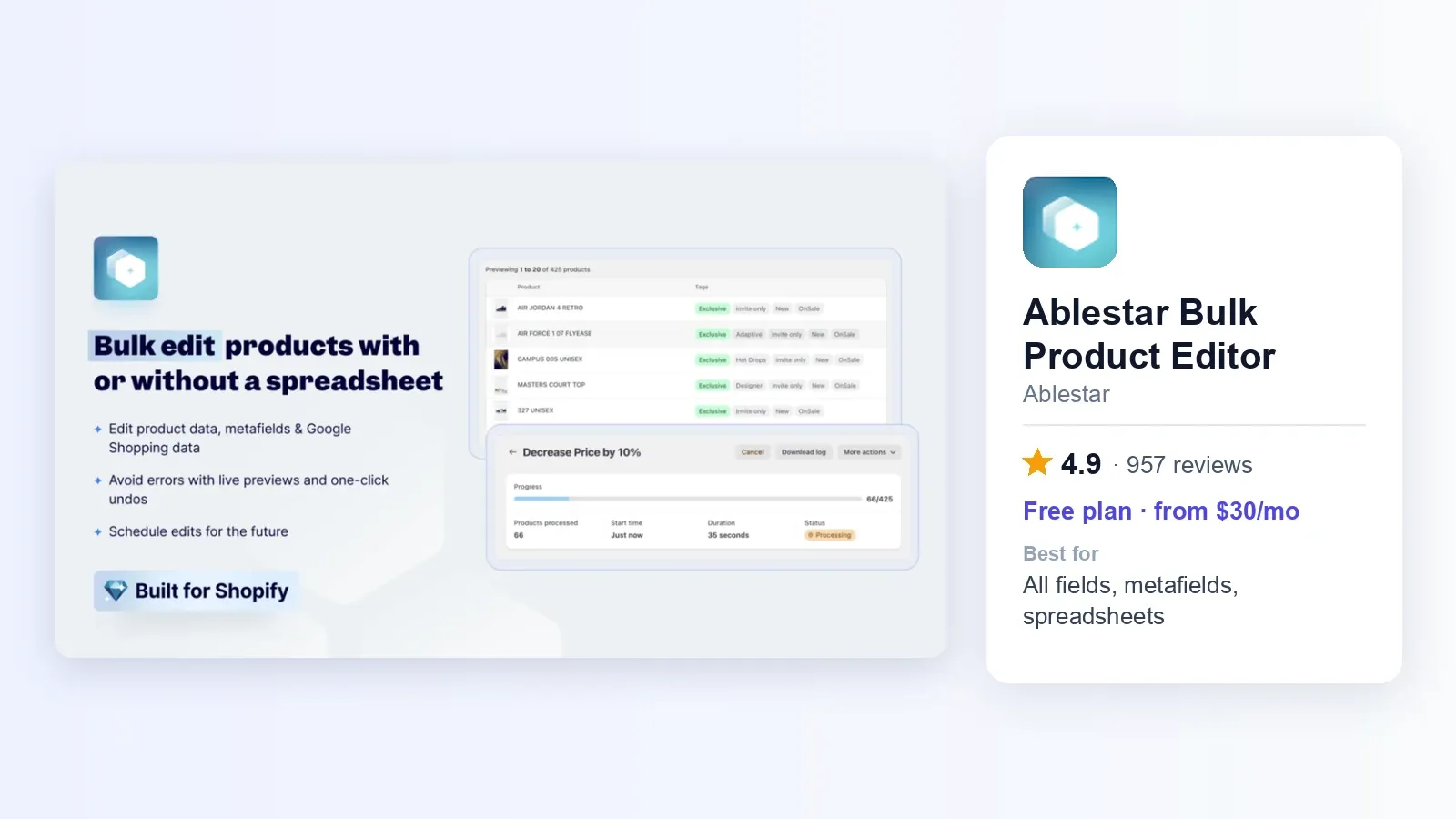
The closest all-in-one replacement: in-app editing of nearly every product field plus CSV, Excel, Google Sheets, FTP/SFTP and Dropbox imports, and scheduled exports from Advanced. For prices it lists preview of old vs new values, one-click undo, scheduled sales that auto-revert, Markets, prices from cost and rounding. 4.9 from 957 reviews. Starter free (10 products), Basic $30/mo with unlimited products per task (as of Nov 2026). More: ablestar bulk product editor.

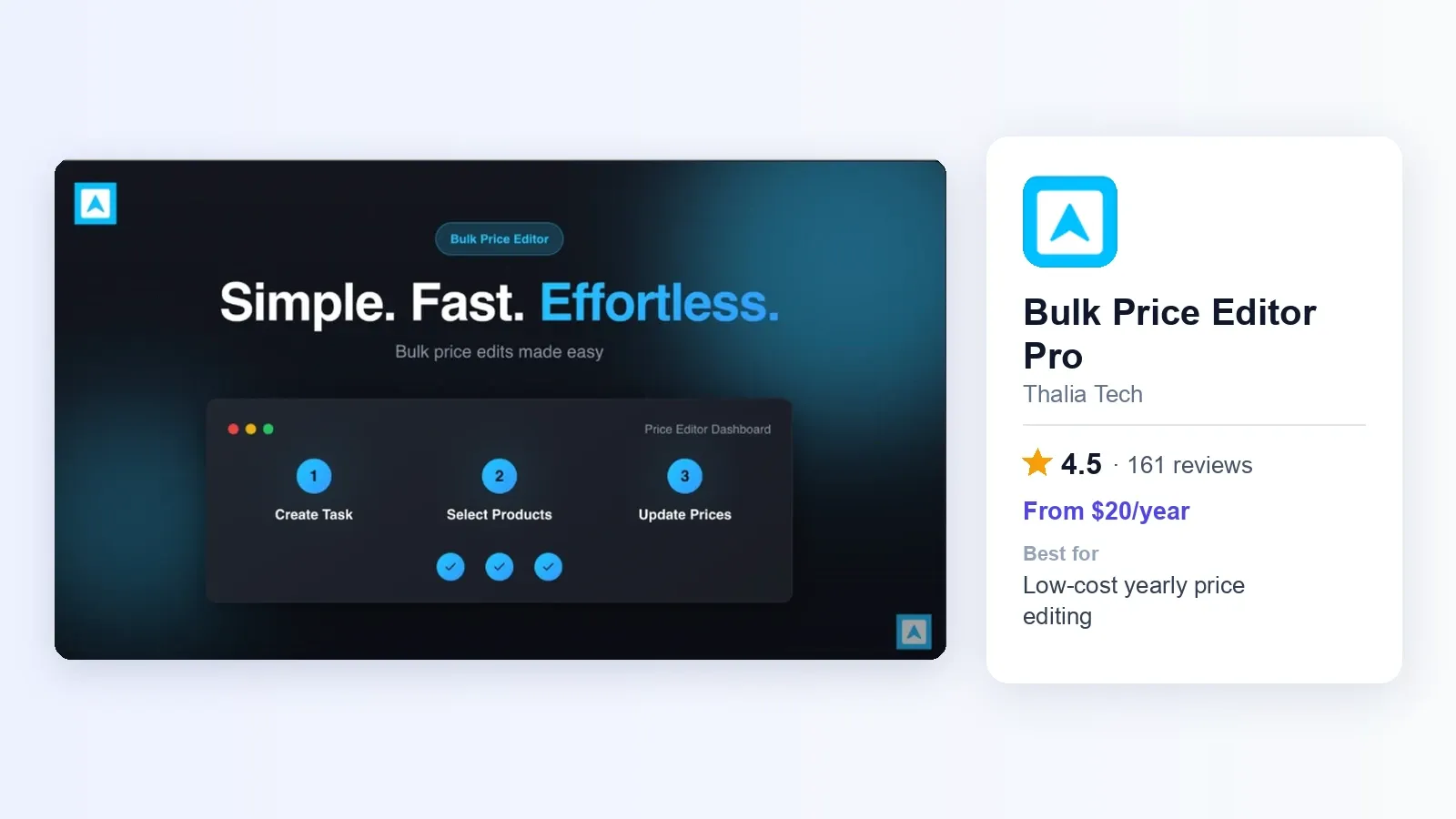
Bulk Price Editor Pro

App card pro

Platmart

Bulk Price Editor Pro by Thalia Tech app card with rating and starting

Bulk Price Editor Pro, from its Shopify App Store gallery, Nov 2026.

The cheapest paid option: price, compare-at and cost edits with rule-based filters, rounding, CSV upload and rollback, from $20/year (marked “limited time pricing”). Markets need the Super plan ($60/year), and recurring tasks need Pro ($40/year). An automatic sale end isn’t stated. 4.5 from 161 reviews; 5-day trial (listing).

Hextom: Bulk Product Edit

App card hextom

Platmart

Hextom Bulk Product Edit app card with rating and starting price

Hextom: Bulk Product Edit, from its Shopify App Store gallery, Nov 2026.

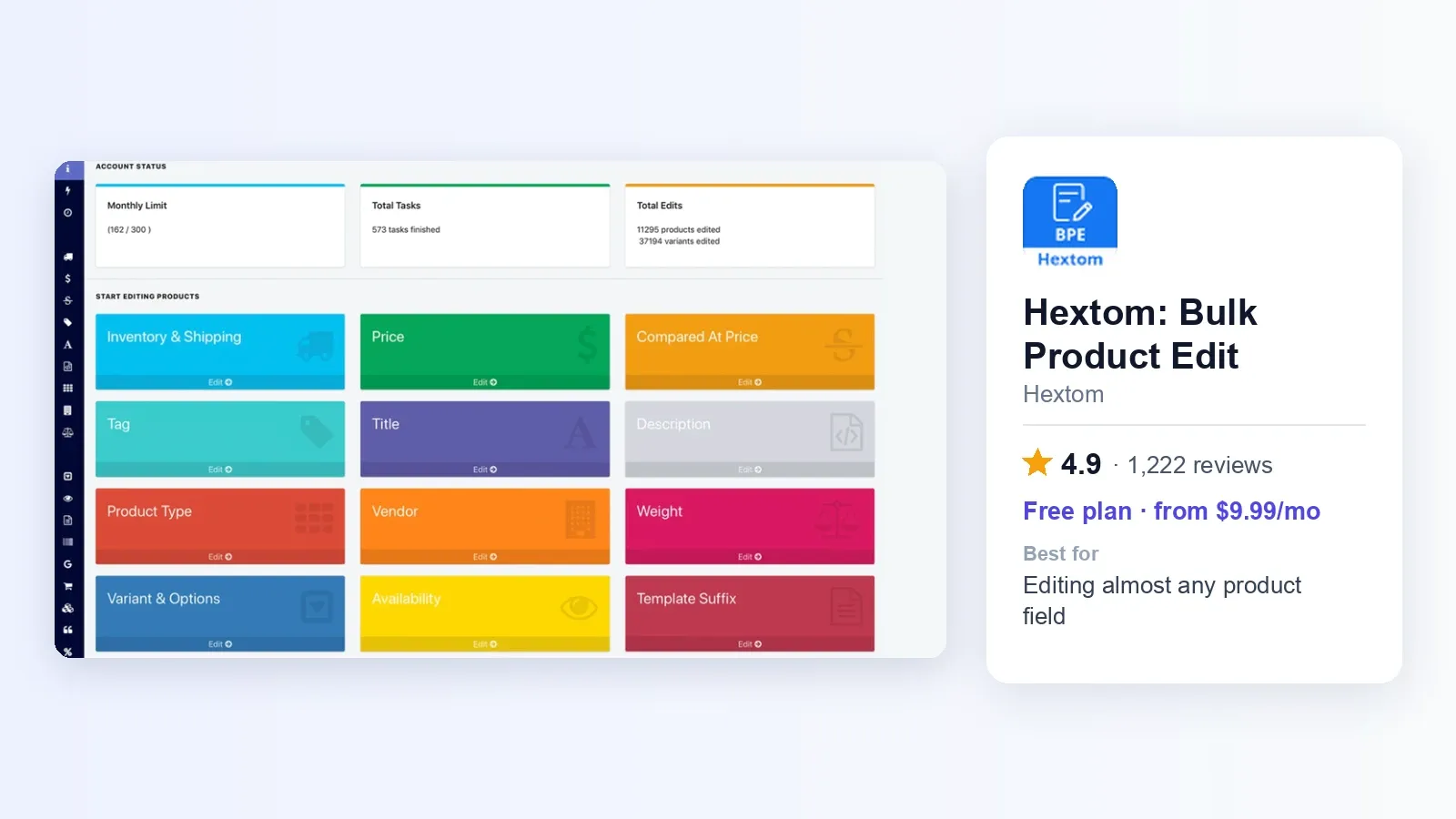
Hextom combines filter-based editing with CSV, XLSX, Google Sheets and FTP imports, and reaches customers, orders, metafields and metaobjects like Matrixify does. Every edit is backed up for 30–180 days and can be reverted. Scheduling with auto-revert starts on Professional ($19.99/mo, 5,000 products per task); Advanced is $49.99/mo for 50,000. 4.9 from 1,222 reviews. More: hextom bulk product edit and hextom vs ablestar.

NA Bulk Price Editor

App card na

Platmart

NA Bulk Price Editor by Northern Apps app card with rating and startin

NA Bulk Price Editor, from its Shopify App Store gallery, Nov 2026.

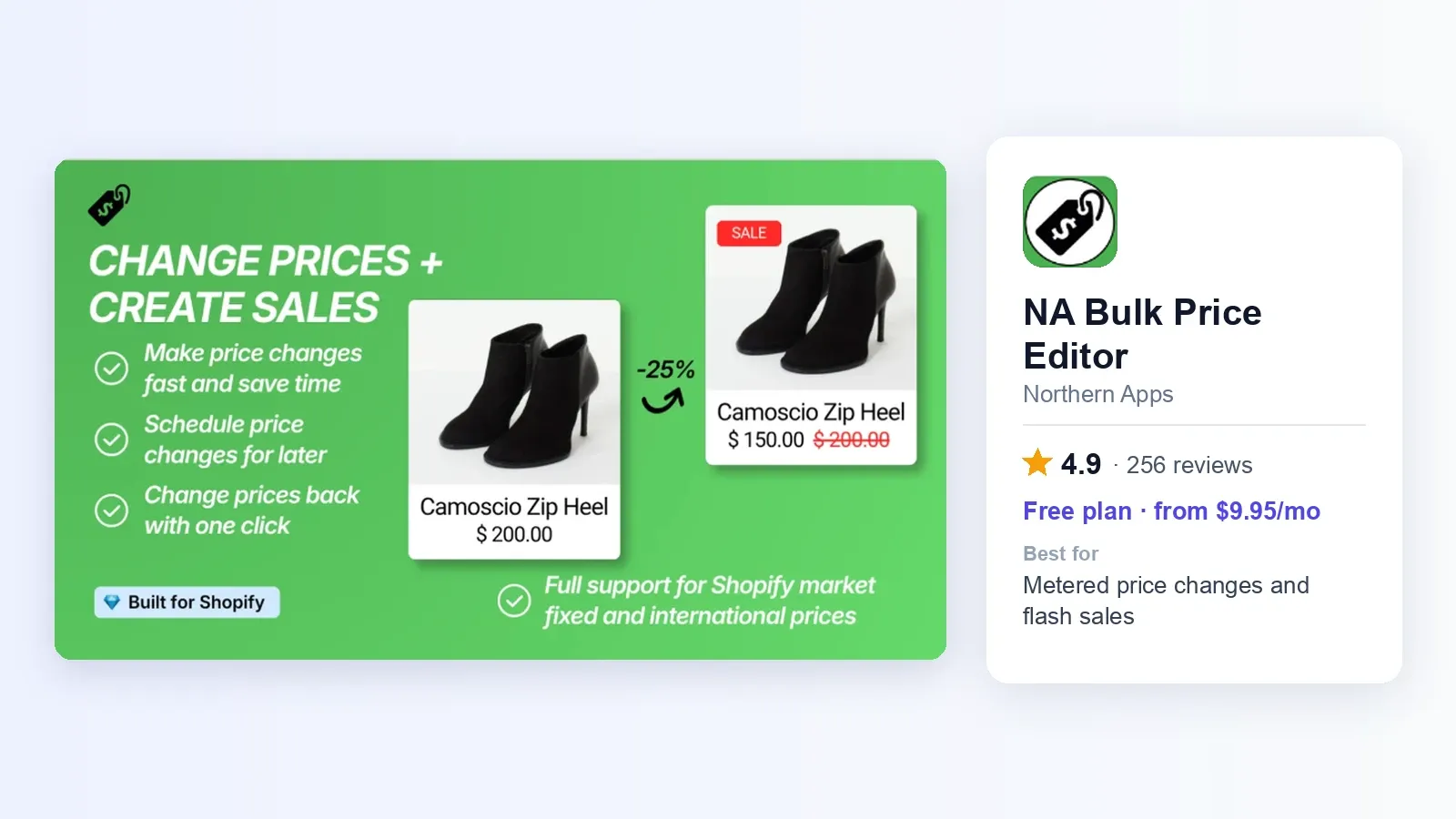
NA keeps a CSV route (set exact prices from your own file) next to in-app percent and amount changes, Markets, cost/margin pricing and discount-code blocking. It’s metered by variant price changes per month: 100 free, then $9.95 / $14.95 / $19.95 per month for 1,000 / 10,000 / unlimited; reverts are free. 4.9 from 256 reviews; 14-day trial. More: na bulk price editor.

Platmart Bulk Price Editor

App card platmart

Platmart

App card with rating and starting price

Platmart Bulk Price Editor, from its Shopify App Store gallery, Nov 2026.

Platmart is the opposite of a file tool: everything happens in a form inside Shopify admin. Sales put the recorded prices back when they end, tasks can be rolled back while the app is installed, and “Preview changes” shows new prices before a run. For per-variant sale prices it accepts a CSV (matched by Variant ID or SKU, up to 2,000,000 rows) in early access, sales only. It edits no non-price fields. Free plan, then $14.99 / $24.99 / $39.99 per month for 25K / 75K / 150K products per task; Markets and cost on Advanced+ (as of Nov 2026). 4.8 from 87 reviews.

SA Bulk Product Editor & Price

App card sa

Platmart

SA Bulk Product Editor & Price app card with rating and starting price

SA Bulk Product Editor & Price, from its Shopify App Store gallery, Nov 2026.

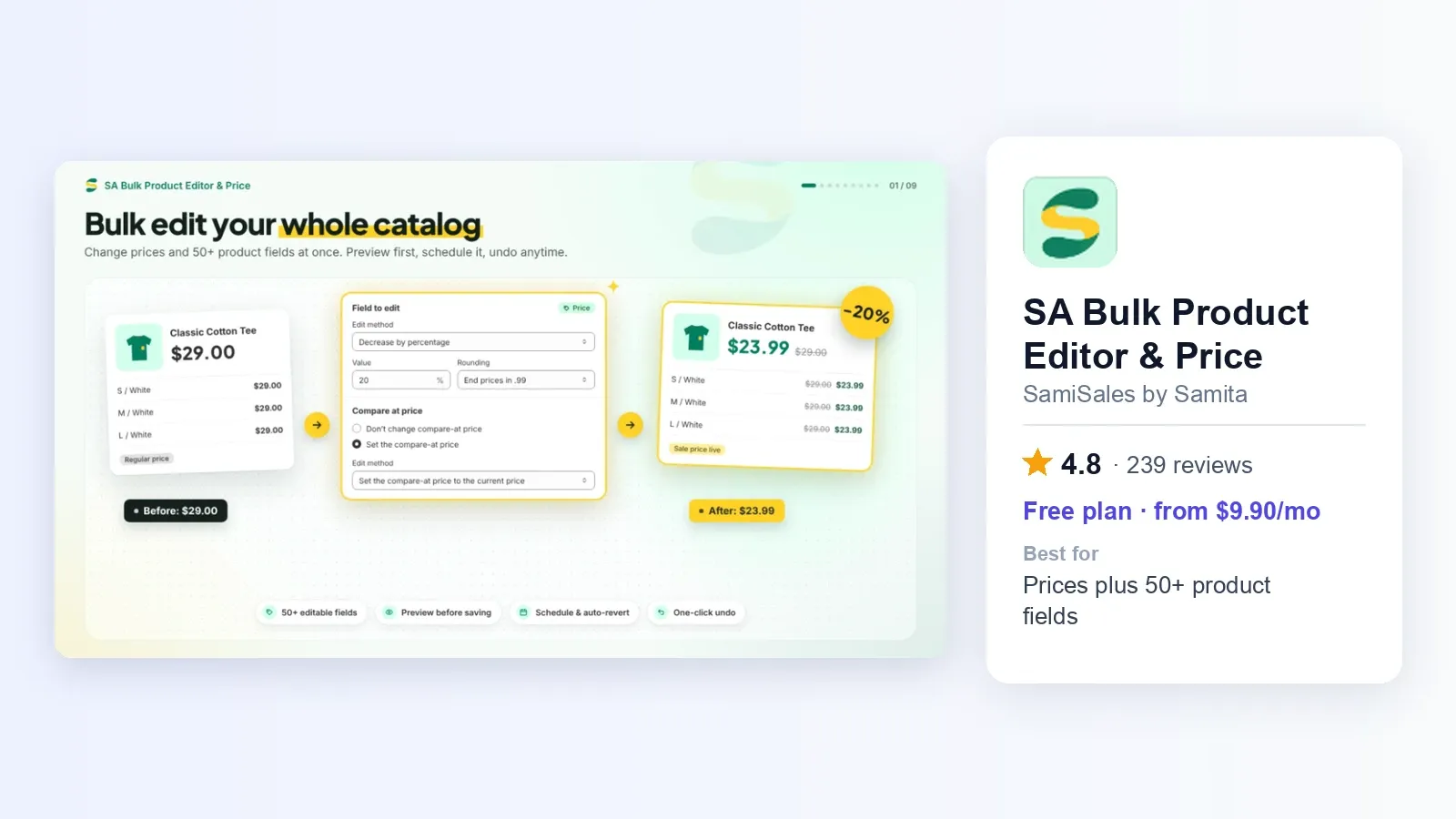
SA is price-first and covers 50+ fields, with “Edit with Spreadsheet” on Pro ($19.90/mo, 10,000 products per task). It lists preview, one-click undo, scheduled sales that revert and recurring tasks from Basic ($9.90/mo). Unlimited products per task need Advanced ($39.90/mo). 4.8 from 239 reviews; 3-day trial. More: sa bulk product editor.

Shopify product CSV (free)

If you only used Matrixify for occasional price files, Shopify’s own product CSV may be enough. It has Price, Compare-at price, Cost per item and per-market price columns; choose the overwrite option to update existing products. Blank cells overwrite values with blanks, omitted columns keep current values, and variant metafields aren’t supported. See shopify bulk editor and shopify bulk edit variants.

When to keep Matrixify

Keep Matrixify if your work is mostly data movement, not price rules. It’s the stronger tool when you:

  • migrate a store or sync between several stores (each paid plan includes an extra store slot);
  • import supplier or ERP price files on a schedule;
  • edit customers, orders, discounts, translations or metaobjects in bulk;
  • push files bigger than the in-app editors’ per-task caps.

You can also run both: Matrixify for imports and migrations, and an in-app editor for percentage changes and timed sales. For a timed sale, see shopify schedule sale; for a straight increase, increase prices by percentage.

Tools that can do this

AppGood at for this jobEntry price (as of Nov 2026)Link
Ablestar Bulk Product EditorIn-app editing plus spreadsheet imports, all fieldsFree Starter; $30/moApp Store
Hextom: Bulk Product EditFile imports plus filters, customers and ordersFree Demo; $9.99/moApp Store
NA Bulk Price EditorCSV prices plus in-app jobs, meteredFree; $9.95/moApp Store
Platmart Bulk Price EditorPrice-only: sales that restore, rollback, no files neededFree; $14.99/moSee plans
SA Bulk Product Editor & PricePrice-first, spreadsheet editing on ProFree; $9.90/moApp Store

FAQ

  • Can I use Matrixify for price changes?

    Yes. Export your products, change Variant Price (and compare-at or market price columns) in Excel or Google Sheets, run a Dry Run, then import. Percentages and rounding need spreadsheet formulas, because Matrixify documents no in-app price tool. Basic ($20 per 30 days) handles 5,000 products per file.

  • Can Matrixify schedule a sale that ends automatically?

    Not as a single feature. Matrixify can schedule and repeat imports, so its tutorial schedules one import with sale prices and a second with the original prices. Canceling a running import keeps the prices already changed. In-app editors such as Ablestar, Hextom (Professional+) and SA state sales that revert on their own.

  • How much does Matrixify cost?

    Matrixify has a free Demo plan (10 items per file) and paid plans at $20 (Basic, 5K products per file), $50 (Big, 50K) and $200 (Enterprise, unlimited), each billed per 30 days, as of Nov 2026. There’s no monthly item limit; caps apply per import or export.

  • What is the best Matrixify alternative for bulk price edits?

    It depends on what else you do. For all fields plus spreadsheet imports, Ablestar or Hextom. For prices only, Platmart and SA state restoring sales, rollback and previews, and NA meters by variant changes. Platmart’s Basic plan covers 25,000 products per task for $14.99/mo (as of Nov 2026).

  • Can I undo a Matrixify import?

    There’s no one-click undo for an import. You restore old values by importing a backup file, so export your current prices before every price import. Hextom (30–180-day backups), Ablestar (60–180 days) and SA (30–180 days) keep edit history and revert in the app.

  • Does Matrixify support Shopify Markets prices?

    Yes. Matrixify files include “Price /” and “Compare At Price /” columns for catalog-based market prices. In Shopify’s own CSV, market columns export only for markets with exactly one active catalog not shared with another market. More in shopify markets pricing.

  • Is Shopify's own CSV import a free alternative to Matrixify?

    For simple product price files, yes. Shopify’s product CSV has Price, Compare-at price, Cost per item and per-market price columns, and updates products matched by handle when you choose overwrite. It doesn’t cover customers, orders or metaobjects, and blank cells overwrite existing values.

  • Do I need spreadsheets at all to change Shopify prices in bulk?

    No. In-app editors change prices by percent or amount across collections, tags or the whole store, with rounding and previews. Spreadsheets help when every variant needs its own price, such as a supplier list; see shopify bulk edit variants.

Top pick for price-only jobs: Platmart Bulk Price Editor · free planTry Free

Ask AI about this page

II

Ivan Ivanov

Shopify pricing writer

I compare Shopify pricing apps using their own App Store listings, docs and changelogs. Every price and limit on this site carries the date it was checked.

Popup manager v2

Changing thousands of Shopify prices?

Our top pick for price-only jobs is Platmart Bulk Price Editor: scheduled sales that restore prices, compare-at strikethrough and rollback.

Free plan · paid from $14.99/mo (Nov 2026).

See all apps compared