Updated November 27, 2026 · by Ivan Ivanov
Some links on this page are affiliate links. Facts come from each tool’s own listing and docs.
Quick answer
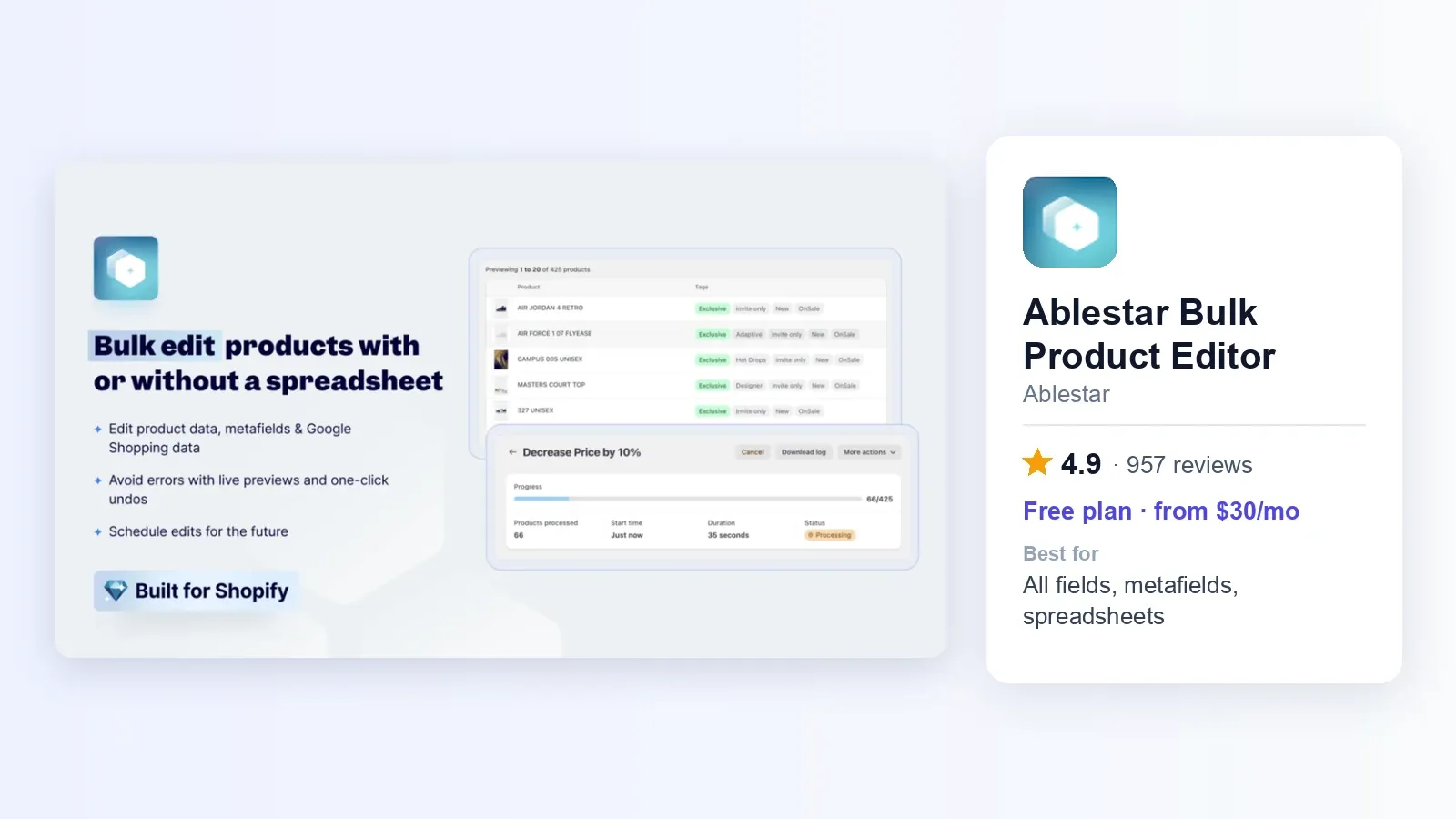
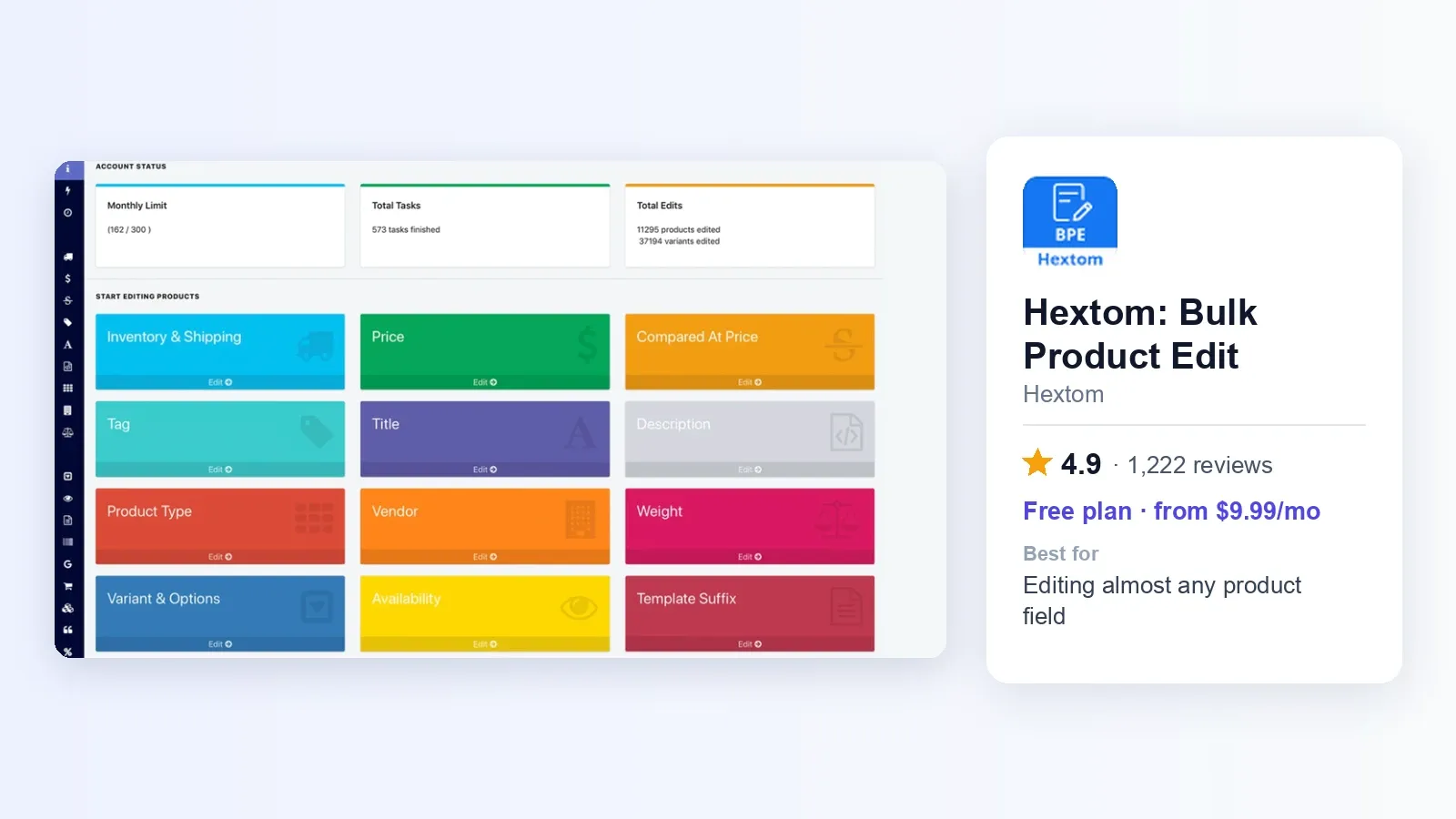
Hextom is the cheaper all-field editor for catalogs under 50,000 products and covers more data types (customers, orders, metaobjects). Ablestar costs more to start but gives unlimited products per task, a preview of new values, and scheduling on every plan.
- Hextom: Demo free (10 products/task), then $9.99 / $19.99 / $49.99 per month for 500 / 5,000 / 50,000 products per task.
- Ablestar: Starter free (10 products/edit), then $30 / $60 / $120 per month, unlimited products per task from Basic.
- Scheduling with auto-revert: Hextom from Professional ($19.99/mo); Ablestar on Starter and Basic.
- Both rate 4.9: Hextom from 1,222 reviews, Ablestar from 957 (App Store, Nov 27, 2026).
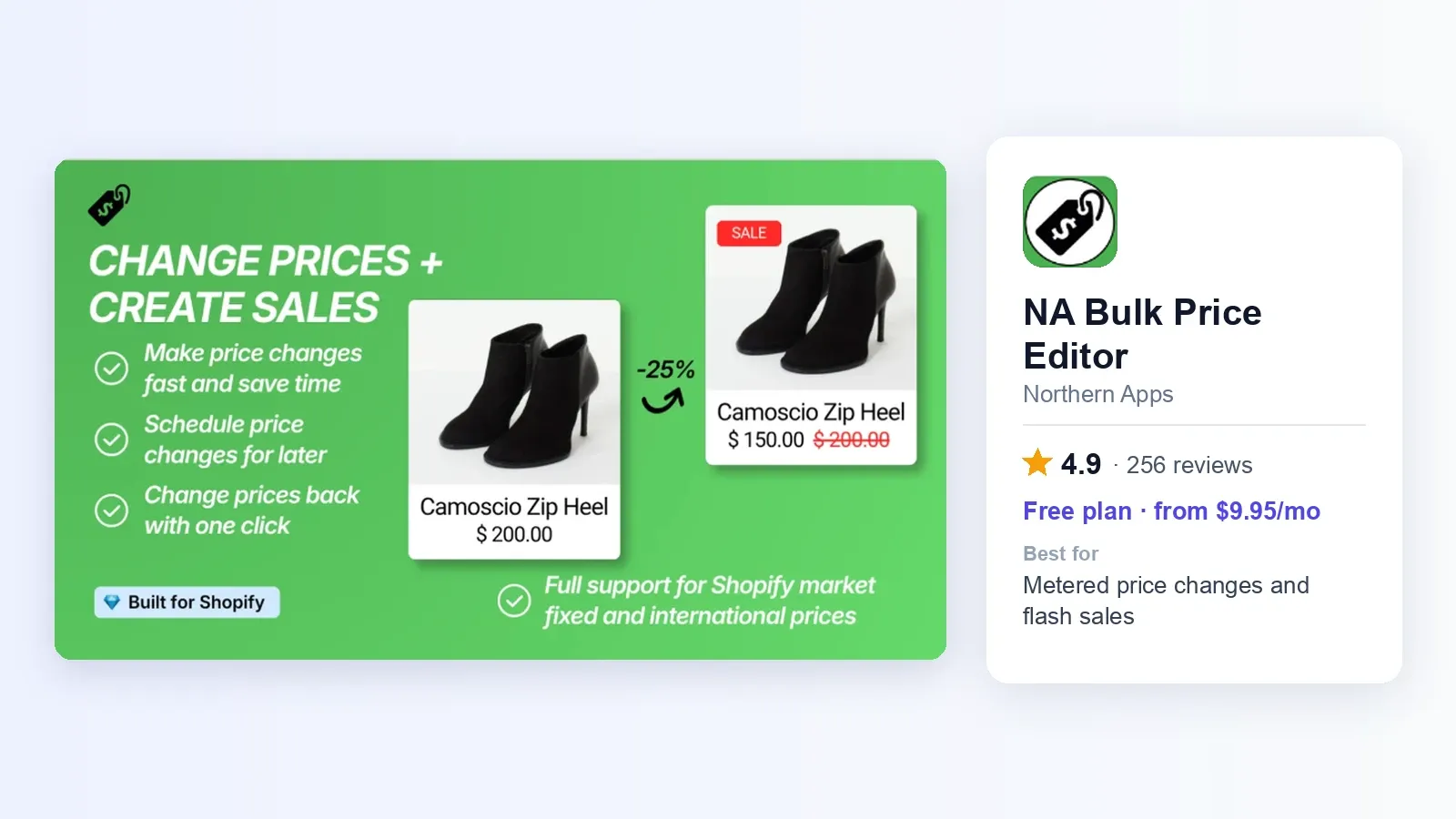
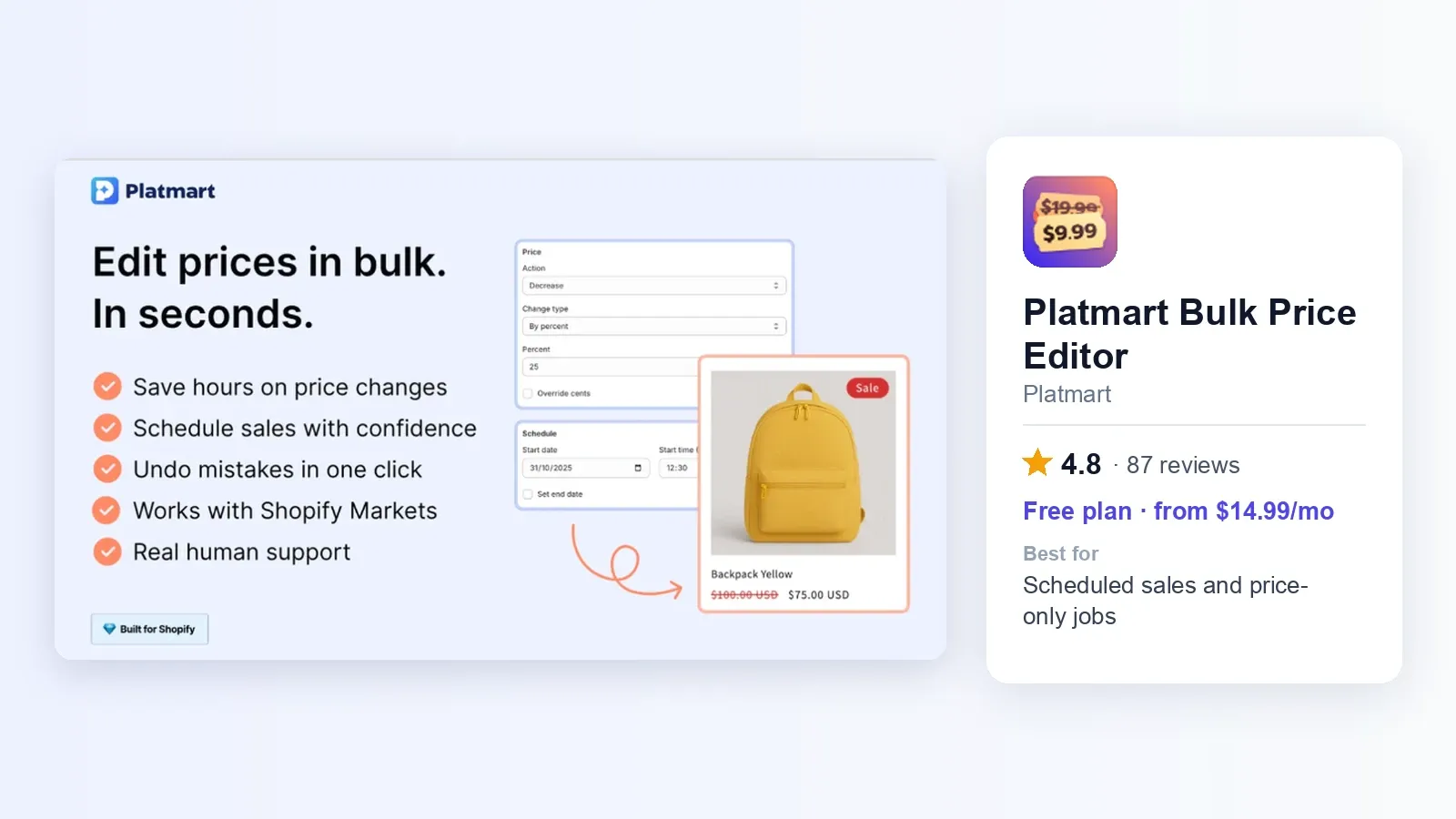
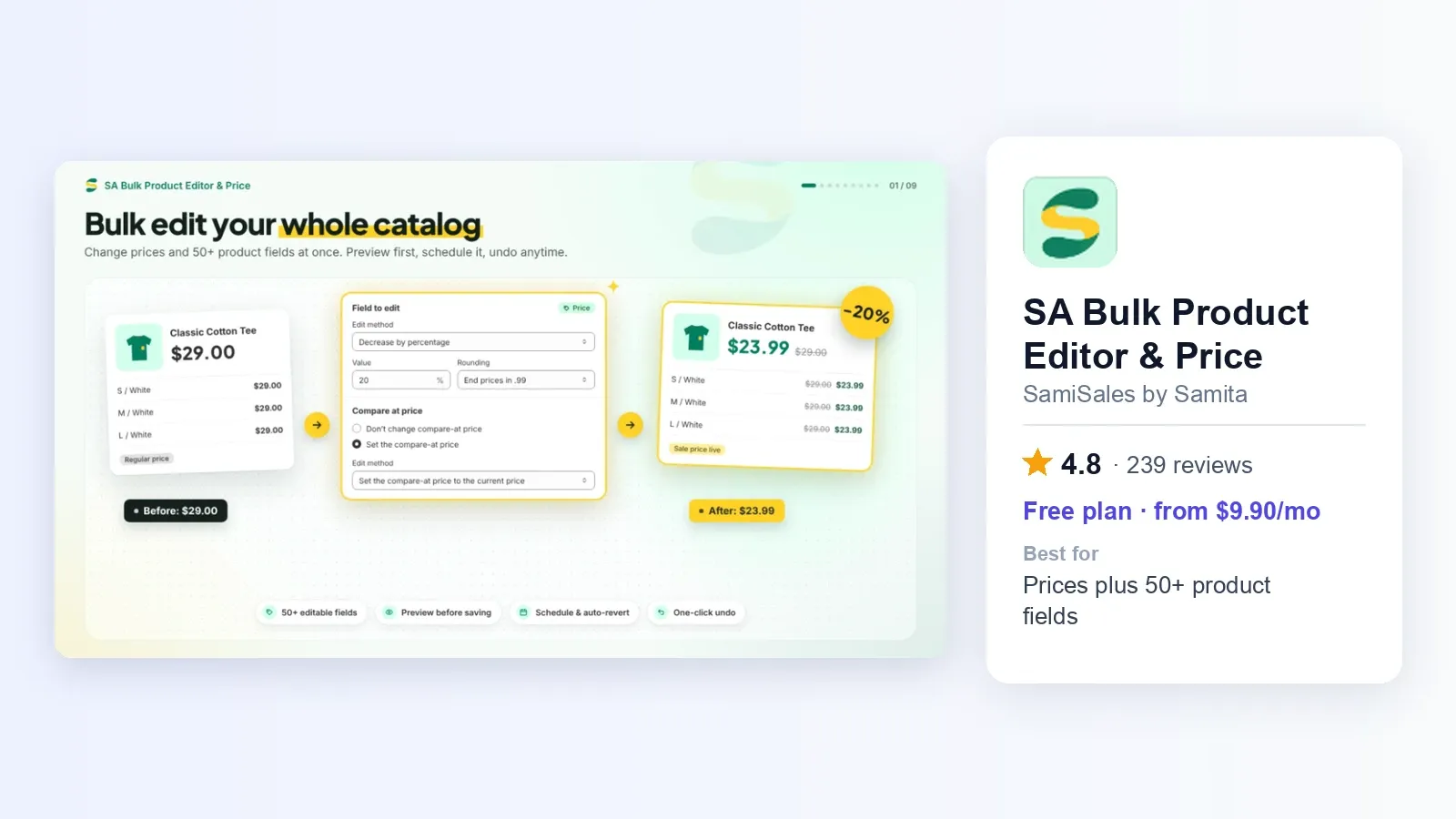
If you only change prices: a price-only app costs less for the same price features, for example NA Bulk Price Editor (metered, from $9.95/mo), Platmart Bulk Price Editor (free plan, from $14.99/mo) or SA Bulk Product Editor (from $9.90/mo).
Hextom vs Ablestar at a glance
Both apps are general bulk editors that handle prices as one field among many; the differences are in plan limits, scheduling and preview.
| Feature | Ablestar Bulk Product Editor | Hextom: Bulk Product Edit |
|---|---|---|
| Rating (reviews) | 4.9 (957) | 4.9 (1,222) |
| Launched | July 31, 2017 | October 5, 2015 |
| Built for Shopify badge | ✓ | Not stated |
| Free plan | Starter: 10 products per edit/export/import | Demo: 10 products per task |
| Paid plans | $30 / $60 / $120 per month | $9.99 / $19.99 / $49.99 per month |
| Products per task | Unlimited from Basic | 500 / 5,000 / 50,000 |
| Scheduled edits with auto-revert | ✓ (Starter and Basic up) | ✓ (Professional and Advanced) |
| Recurring edits | ✓ (Advanced+: 5, Professional: 20) | ✓ (daily, weekly, monthly; Professional+) |
| Preview | ✓ old vs new values | Partial (matched products) |
| Undo | ✓ one-click; 60–180-day history | ✓ revert from Task History; 30–180-day backup |
| Markets prices | ✓ | ✓ (region + B2B catalog) |
| Cost-based pricing | ✓ | Not stated |
| Rounding | ✓ .95/.99, nearest multiple, more | ✓ .99 |
| File import | CSV, Excel, Google Sheets, FTP/SFTP, Dropbox | CSV, XLSX, Google Sheets, FTP |
| Metafields | ✓ | ✓ (plus metaobjects) |
| Customers and orders | Not stated | ✓ |
Prices in USD as listed on the Shopify App Store, as of Nov 2026. ✓ = stated by the vendor; “Not stated” = not in the listing or docs I read.
What this means: Ablestar states more price tools (preview of new values, cost-based pricing, more rounding modes) and lets you schedule on cheaper plans. Hextom covers more kinds of store data and costs less until your edits pass 5,000 products.
Plans and per-task limits
Hextom sizes its plans by products per task, while Ablestar sizes them by concurrency and automation, which flips which app is cheaper as your edits grow.
| Edit size | Ablestar | Hextom |
|---|---|---|
| Up to 10 products | $0 (Starter) | $0 (Demo) |
| 500 products | $30/mo (Basic) | $9.99/mo (Basic), no scheduling |
| 5,000 products | $30/mo (Basic) | $19.99/mo (Professional) |
| 50,000 products | $30/mo (Basic) | $49.99/mo (Advanced) |
| 100,000+ products | $30/mo (Basic) | $49.99/mo, split into tasks of 50,000 |
Lowest plan that covers a single edit of each size, USD per month, as of Nov 2026.
Hextom’s Demo plan stops after 10 products and marks the task as a partial finish, so it’s a test plan, not a working one. Ablestar’s Starter also stops at 10 products per edit, but it has no limits on development stores until launch, which helps agencies building a store. Ablestar’s caps sit elsewhere: 2 concurrent edits on Basic, 5 on Advanced and 20 on Professional, and data must sync after install. Neither listing states a trial length; Ablestar’s site mentions a free trial without saying how long. Every plan from every app is in shopify bulk price editor pricing.
Scheduling and auto-revert
Both apps can schedule a sale that reverts on its own, but Ablestar puts it on lower plans. Ablestar’s Basic plan lists scheduled edits that “run and undo at set times,” and its help center lists scheduled edits on the free Starter too. Recurring edits start on Advanced ($60/mo, 5 recurring) and Professional (20).
Hextom schedules only on Professional ($19.99/mo, 10 active scheduled tasks) and Advanced ($49.99/mo, 100). Its tasks can run once, daily, weekly or monthly, and one-time, weekly or monthly tasks can revert on their own. For timed sales the steps are in shopify schedule sale.
Undo, backups and preview
Both keep a backup of every edit, but Ablestar also previews the new values before you run. Ablestar lists a preview of old against new values, one-click undo, and 60, 90 or 180 days of edit history by plan.
Hextom backs up every change for 30 days (Demo), 60 (Basic), 90 (Professional) or 180 (Advanced) and reverts from Task History. Its preview shows which products match your conditions; a preview of the new values isn’t stated. One rule from Hextom’s FAQ: revert several tasks newest first, because each field returns to its value from just before that task. More on safe reverts in undo bulk edit.
Markets, B2B and cost-based pricing
Both apps edit Markets prices; Hextom also states B2B catalog prices, and Ablestar states pricing from cost. Hextom edits region and B2B catalog prices in the app and by file import. Ablestar lists Markets prices, cost editing, prices set from cost, and rounding to .95/.99 or a nearest multiple. Hextom rounds to .99, and cost-based pricing isn’t stated on its pages. See shopify markets pricing and shopify round prices.
CSV, spreadsheets and metafields
Both import and export spreadsheets and edit metafields, so either works for catalog clean-ups. Ablestar imports CSV, Excel, Google Sheets, FTP/SFTP and Dropbox files, and runs scheduled exports from Advanced. Hextom imports CSV, XLSX, Google Sheets links and FTP, and adds metaobjects, customers and orders to the fields it can edit.
Ablestar’s field list covers tags, titles, descriptions, SEO, status, vendor, type, category, collections, sales channels, variants and options, inventory, weight, SKUs, barcodes, HS codes, Google Shopping fields and metafields. It also offers automatic product rules that run when a product is created (Advanced+) or updated (Professional). If you’d rather work fully in spreadsheets, see matrixify alternatives.
Ratings and reviews
Both rate 4.9 stars on the App Store, with Hextom on more reviews. On Nov 27, 2026, Hextom had 1,222 reviews (about 1,100 five-star, 19 one-star) and Ablestar 957 (916 five-star, 10 one-star). Hextom’s own site still shows 1,196 reviews; I used the listing figure. Neither app’s review count tells you much about price features, so check the plan table above against your edit size.
Which one to pick
Choose by edit size and by whether you need a preview and scheduling on a low plan.
- Pick Hextom if your edits stay under 5,000 products, you want the lowest monthly price ($9.99 without scheduling, $19.99 with it), or you also edit customers, orders or metaobjects. My full write-up: hextom bulk product edit.
- Pick Ablestar if a single edit can pass 50,000 products, you want to see new values before running, you need cost-based pricing, or you want automatic product rules. My full write-up: ablestar bulk product editor.